
Groovepad - Music Maker APK
EasybrainVaries with device · Free · Safe · Verified
Share This App
Scan to Download
Scan with Android camera
Screenshots
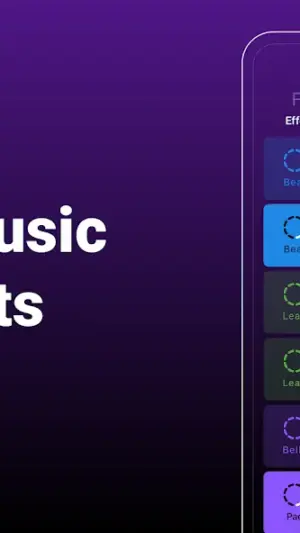
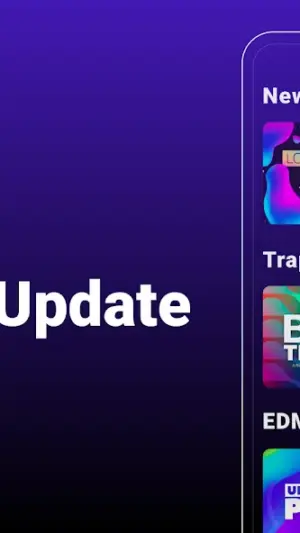
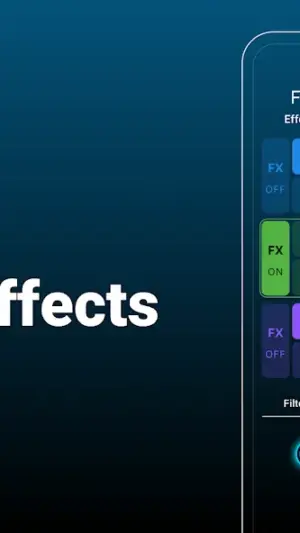
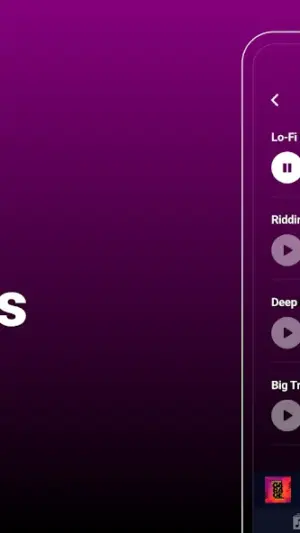
About Groovepad - Music Maker
Groovepad – Music Maker is an innovative app that allows users to unleash their musical creativity anytime, anywhere. Whether you're a seasoned musician or just starting, this app fits seamlessly into your daily routine, enhancing your creative workflow from morning to night.
Related in Music And Audio: Offline Music Player: Play MP3 · AudioLab Audio Cutter & Editor · Amazon Music: Songs & Podcasts
| App Name | Groovepad – Music Maker |
|---|---|
| Version | Latest |
| Developer | Easybrain |
| Package Name | com.easybrain.make.music |
| Category | Music And Audio |
| Size | Varies with device |
| Downloads | N/A |
| Rating | 4.6 |
| Android Version | Varies |
| Updated | Dec 4, 2025 |
Overview
Designed by Easybrain, Groovepad offers a user-friendly interface and intuitive controls that make music creation accessible for everyone. With its versatile features, the app caters to musicians of all levels, letting them create beats and mix sounds effortlessly. The wide range of sound packs ensures endless possibilities for users looking to experiment with different genres and styles.
One of the standout aspects of Groovepad is its focus on allowing users to create music on the fly. You can easily combine different loops and sounds to craft original compositions in a matter of minutes. The straightforward design encourages exploration and experimentation, perfect for those who might feel intimidated by more complex music production software.
The app's universal architecture means it can function across various devices without sacrificing performance or usability. This flexibility allows users to engage with their creativity during any part of their day—be it during commutes or at home in the evening.
With a robust rating of 4.6 stars, Groovepad has gained popularity among music enthusiasts, making it a go-to choice for anyone interested in delving into music creation. Regular updates ensure that users benefit from new features and improvements, keeping the experience fresh and engaging.
Who Is Groovepad – Music Maker For?
Groovepad is ideal for aspiring musicians looking to express themselves creatively without extensive training or investment in expensive equipment. It suits casual users as well, who may want a fun way to pass time while commuting or relaxing at home. In essence, anyone interested in exploring their musical talents will find value in this app.
Real-World Use Cases
- **Morning Routine:** Start your day by creating uplifting beats while enjoying breakfast—a perfect way to energize yourself for the day ahead.
- **Commute:** Use your travel time creatively by mixing sounds or experimenting with loops on public transport—turn mundane commutes into inspiring sessions!
- **Work Breaks:** Recharge during lunch breaks by exploring different genres and crafting fresh tracks—a great way to refocus before heading back to work.
- **Evening Relaxation:** Wind down after a long day by producing calming melodies at home—perfect for easing into relaxation before sleeping.
Features
- User-friendly interface suitable for all skill levels.
- Extensive library of sound packs covering various music genres.
- Capability to mix tracks effortlessly.
- Real-time audio effects including reverb and filters.
- Looping feature for seamless sound transitions.
- High-quality samples designed for professional-sounding music.
- Creative challenges encouraging continuous improvement.
- Share your creations directly within the app or on social media platforms.
Performance & Battery
Groovepad performs smoothly across various devices due to its adaptive architecture. Users have reported minimal lag when creating or mixing tracks, enabling an enjoyable experience throughout their creative processes. Whether you’re using a smartphone or tablet, expect consistency in responsiveness.
Privacy & Permissions
Although specific permissions are not detailed within the app description, safe APK habits dictate careful consideration when downloading applications from external sources. Always download from reputable platforms like Google Play Store for added security against potential data vulnerabilities.
What’s New
The latest update of Groovepad continues to refine user experience without providing detailed notes on changes. However, previous updates have typically addressed performance enhancements and introduced new sound packs based on popular demand.
Regular updates are crucial as they not only enhance functionality but also keep the community vibrant with fresh content that inspires creativity among users.
How to Install
- Open the Google Play Store on your device.
- Search for ‘Groovepad – Music Maker’ in the search bar.
- Select the app from the search results.
- Tap ‘Install’ to begin downloading the app onto your device.
- Once installed, tap ‘Open’ to start creating music!
Pros
- User-friendly design encourages creativity.
- Extensive variety of sound packs available.
- No prior musical knowledge required.
- Supports sharing creations effortlessly.
- Engaging challenges help nurture skills.
Cons
- Some advanced features may be limited compared to professional software.
- In-app purchases could be necessary for full access.
- Performance can vary based on device specifications.
Download Groovepad – Music Maker APK
Download Groovepad – Music Maker vLatest APK
Free · Safe · Opens Google Play / APK source
Frequently Asked Questions
Is Groovepad free?
Yes, Groovepad is free to download and use.
Do I need prior music knowledge?
No prior knowledge is required; beginners are welcome!
Can I share my music creations?
Absolutely! You can share your tracks directly through social media.
What types of sound packs are available?
There’s a wide variety covering genres like hip-hop, EDM, rock, and more.
Is there any age restriction for using Groovepad?
There are no strict age restrictions; it's suitable for all ages.
Can I use Groovepad offline?
'Yes,' once downloaded, you can create music without needing an internet connection.
Final Thoughts
'Groovepad – Music Maker' seamlessly integrates into daily routines while offering an engaging platform for musically inclined users. Its mix of accessibility and powerful features makes it an invaluable tool whether you're starting your journey into music creation or simply looking to enjoy some rhythm every day.
Related Apps
Disclaimer
AndroidKnight is not affiliated with Easybrain nor responsible for third-party APK installations.
All Versions of Groovepad - Music Maker
Frequently Asked Questions
Yes. Groovepad - Music Maker is scanned before publishing. Our pipeline verifies each file.
Download the APK, enable 'Install from Unknown Sources' in Settings > Security, then tap the file.
Latest version is Latest.
Requires Android 5.0+.
Yes, completely free.
APKs let you install apps not in your region, use specific versions, or install without Google Play.
More from Easybrain

Groovepad - Music Maker Alternative
Apps similar to Groovepad - Music Maker that you may also like.


User Reviews
Compatibility Checker
Groovepad - Music Maker requires Android 5.0+ or higher. Select your device version to check.
Write a Review