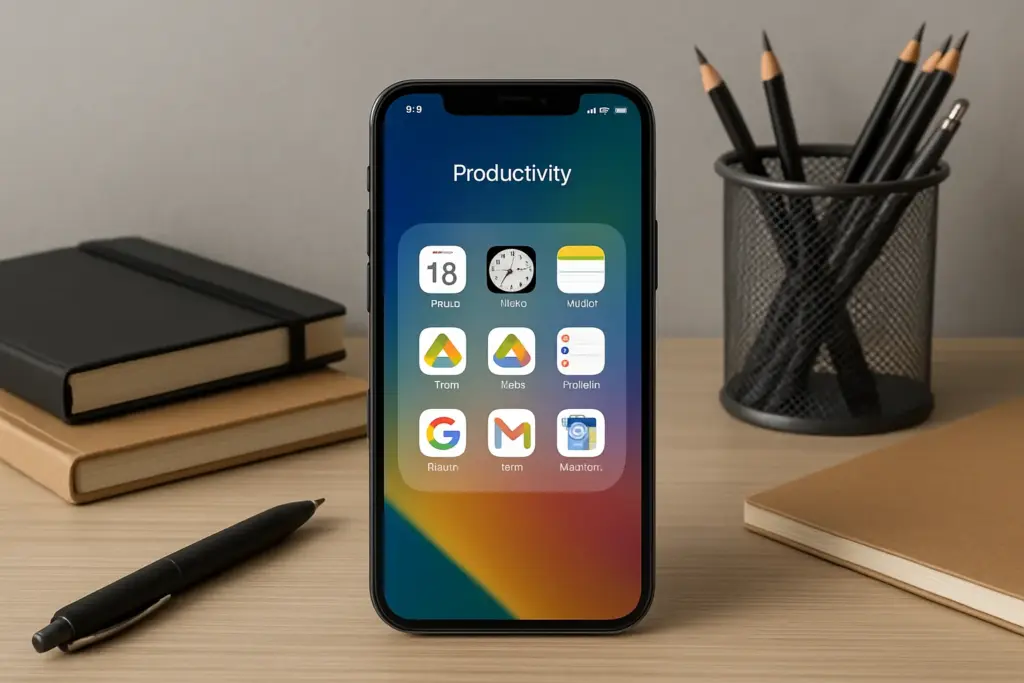
In today’s fast-paced world, finding ways to boost productivity is crucial. With a plethora of options available, choosing the right tools can transform your daily routine and enhance your efficiency. In this article, we explore the 10 must-have Android apps for productivity that can help you manage tasks, organize your life, and maximize your time.
Overview of Productivity Apps
Productivity apps are designed to assist users in managing their time and tasks effectively. These applications cater to various aspects of productivity, including task management, note-taking, project collaboration, and even wellness tracking. With the growing reliance on mobile devices, having efficient Android apps can significantly streamline workflows.
Why Use Android Productivity Apps?
- Accessibility: Access your documents and tasks anytime from anywhere.
- Collaboration: Work seamlessly with teams through shared projects.
- Customization: Tailor apps to fit personal preferences and needs.
Top 10 Must-Have Android Apps for Productivity
- Trello: A visual project management tool that helps teams organize tasks through boards, lists, and cards. Ideal for collaborative projects.
- Todoist: A powerful task manager that allows users to create, prioritize, and track tasks with ease. Its clean interface enhances user experience.
- Evernote: A versatile note-taking app perfect for capturing ideas, creating checklists, and storing documents. It syncs across devices for easy access.
- Google Keep: An intuitive note-taking app that integrates with other Google services. Great for quick reminders and collaborative lists.
- Microsoft OneNote: A comprehensive note-taking app that offers organizational features such as notebooks and tags. Excellent for both personal and professional use.
- Slack: A communication platform that enables team collaboration through channels. Perfect for remote work environments.
- Asana: A project management tool designed to help teams track their work progress efficiently with timelines and project outlines.
- Toggl Track: A time-tracking app that helps users monitor how much time they spend on various tasks. Useful for freelancers and teams alike.
- Focus@Will: An app designed to improve concentration through curated music playlists tailored to enhance focus while working.
- Pocket: This app allows users to save articles and web pages for offline reading later, ensuring you never miss important content during busy schedules.
The Pros & Cons of Each App
| App Name | Pros | Cons |
|---|---|---|
| Trello | User-friendly interface; great for visual learners; excellent collaboration features. | Lacks advanced reporting features; can become cluttered with too many boards. |
| Todoist | Sleek design; powerful task prioritization; integrates with numerous platforms. | The free version has limited features compared to premium plans. |
| Evernote | Cleans UI; versatile formats (audio, text); strong organization capabilities. | The free version has limited upload capacity per month. |
Avoiding Common Pitfalls When Using Productivity Apps
This section outlines common mistakes users make when adopting productivity apps:
- Selecting too many apps at once causing overwhelm instead of efficiency.
- Ineffectively utilizing features leading to underutilization of powerful tools offered by the app.
- Lack of regular updates which results in outdated workflows or lost data.
Tips for Android Users to Maximize Productivity App Use
- Create a routine around using your chosen apps daily or weekly.
- Simplify workflows by customizing notifications based on priority levels.
- Categorize tasks using tags or folders for better organization within each application.
This section summarizes essential points regarding productivity apps:
- A variety of productivity apps exist tailored to different needs from task management to note-taking.
- Choosing the right combination optimizes workflow while minimizing distractions.
- Regularly updating skills ensures continued effectiveness in utilizing these tools.
- Selecting one or two reliable applications prevents overwhelm.
- Integrating collaborative platforms enhances team communication significantly.
FAQ
What are the best productivity apps for Android?
The best productivity apps include Trello, Todoist, Evernote, Google Keep, Microsoft OneNote among others depending on individual preferences.
How do I choose a productivity app?
Consider factors like usability, specific features needed (task tracking vs note-taking), budget constraints (free vs paid options) before deciding on an app.
Are there offline options available?
Yes! Many applications like Evernote allow offline access once data is synced initially making them convenient during travel or low connectivity areas.
Can I use multiple productivity apps simultaneously?
While it’s possible it’s important not to overwhelm yourself—select complementary tools rather than duplicate functionalities across different platforms.
How often should I update my productivity methods?
Regularly reassess methods every few months based on changes in routine workloads ensuring continued effectiveness over time.
Leave a Comment