
Salesforce APK
Salesforce.com, inc.Varies with device · Free · Safe · Verified
Share This App
Scan to Download
Scan with Android camera
Screenshots
About Salesforce
If you're in the business sector and frequently need to manage your CRM tasks on the go, Salesforce is a solid option that deserves your attention. However, if you're not immersed in sales or customer relations, you might find this app less applicable to your needs.
Related in Business: Microsoft Teams · ADP Mobile Solutions · NPS by Protean eGov
| App Name | Salesforce |
|---|---|
| Version | Latest |
| Developer | Salesforce.com, inc. |
| Package Name | com.salesforce.chatter |
| Category | Business |
| Size | Varies with device |
| Downloads | N/A |
| Rating | 3.6 |
| Android Version | Varies |
| Updated | Jul 8, 2026 |
Overview
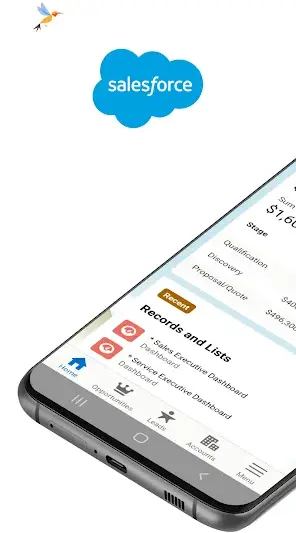
Salesforce is designed by Salesforce.com, inc., a leader in Customer Relationship Management solutions. This app aims to bring the core functionalities of Salesforce directly into the hands of users, allowing for seamless updates and management from anywhere. Whether you are updating records or viewing critical dashboards, this application strives to keep you connected with vital information at all times.
Despite boasting a decent rating of 3.6, which may raise eyebrows among potential users, it’s essential to dive deeper into its features and usability. The app caters primarily to professionals needing real-time access and interaction with their CRM data. With an interface tailored for mobile use, it promises convenience but also poses challenges in performance that could affect user satisfaction.
Installed across various Android devices due to its universal architecture, Salesforce adjusts its size depending on the device specifications—meaning that you can expect it to run well on most modern smartphones and tablets. Regular updates help maintain security and introduce new functionalities relevant to current business needs.
The app's overall goal is clear: improve workflow efficiency for sales teams and client managers. However, exploring both advantages and drawbacks can guide potential users towards making informed decisions about downloading.
Who Is Salesforce For?
Salesforce is primarily suited for businesses looking for a reliable mobile CRM solution. If you are part of a sales team or a manager overseeing customer relationships, this app provides essential tools to enhance productivity at your fingertips.
However, individuals outside these roles may find limited utility in its functionalities, making it less compelling for personal use.
Real-World Use Cases
- A sales representative checks client history before an important meeting directly from their smartphone.
- A project manager collaborates with distributed team members through shared dashboards during remote work sessions.
- A field technician updates service reports immediately after completing an installation on site.
- The marketing department tracks campaign metrics and performance indicators via mobile access during off-site events.
Features
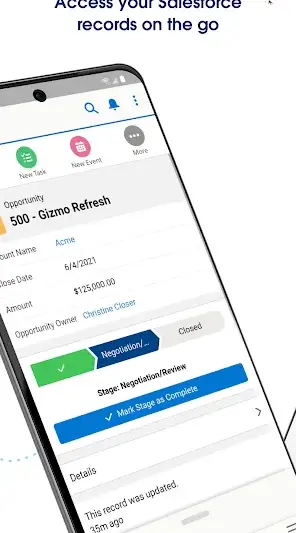
- Manage day-to-day tasks efficiently with quick access to records.
- Update client information in real-time while out of the office.
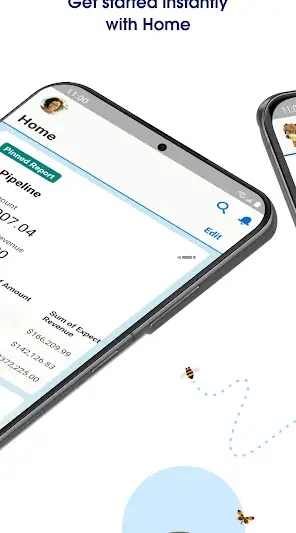
- View dashboards to track sales performance instantly.
- Connect with team members seamlessly through collaboration tools.
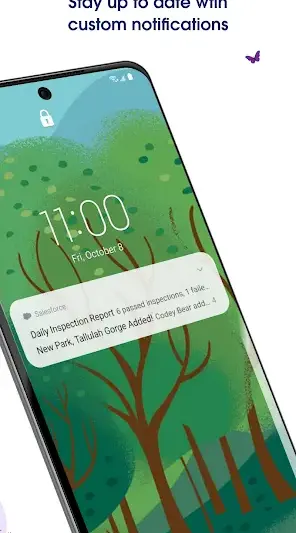
- Receive notifications about important activities or updates.
- Customizable layout options enhance usability based on individual preferences.
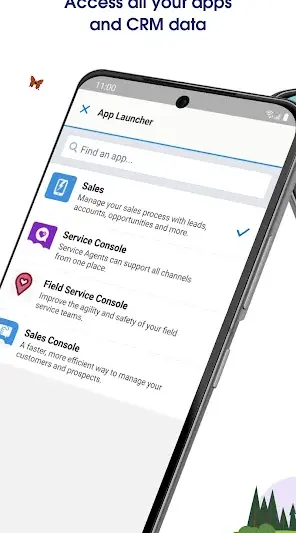
- Integrate smoothly with existing Salesforce desktop solutions.
- Access extensive analytics features for data-driven decision-making.
Performance & Battery
Performance can vary based on device capabilities as size optimization is tailored specifically per Android model. Users have reported occasional lagging during intensive data retrievals; hence it's recommended to ensure good network connectivity when using complex functionalities.
Privacy & Permissions
Currently, permission details are not explicitly listed; however, typical requirements may involve access to contacts or storage depending on usage scenarios. It's essential always to exercise caution when installing any APK—sticking only to trusted sources like Google Play Store ensures safer installations.
What’s New
While specific details regarding changes in the latest version were not provided, regular updates typically include bug fixes, enhanced security measures, and potentially new features aimed at improving user experience. Staying updated ensures that users benefit from the latest optimizations.
It's generally advisable to regularly check for updates as developers often introduce improvements based on user feedback.
How to Install
- Open the Google Play Store on your Android device.
- Search for ‘Salesforce’ using the search bar.
- Select the official Salesforce application from the list of results.
- Tap ‘Install’ and wait for the download process to complete.
- Once installed, open the app and log in using your Salesforce credentials.
Pros
- Provides convenient management of CRM tasks on-the-go.
- Multi-device compatibility adds flexibility for users.
- Real-time updates enhance workflow efficiency.
- Collaboration tools help maintain team cohesion.
- Customizable features improve personalization.
Cons
- Decent rating (3.6) suggests potential user dissatisfaction.
- Performance issues reported under heavy usage conditions.
- Lack of detailed permissions could raise privacy concerns.
- Not suited for personal use beyond business contexts.
Download Salesforce APK
Download Salesforce vLatest APK
Free · Safe · Opens Google Play / APK source
Frequently Asked Questions
Is Salesforce free?
Yes, Salesforce offers free download options.
What devices does Salesforce support?
Salesforce is built as a universal application compatible with various Android devices.
How often should I update Salesforce?
It's advisable to update regularly whenever new versions are available.
'Can I use Salesforce offline?
'No specific offline capabilities are mentioned; optimal use requires internet access.'
Can I recover deleted records?
Data recovery options depend on your Salesforce settings.
Final Thoughts
In conclusion, if you're deeply embedded in sales operations or customer relationship management tasks daily, downloading Salesforce could be beneficial despite some performance hiccups. For more casual users or those exploring task management options outside professional boundaries—you might want to consider alternatives before committing.
Related Apps
More apps coming soon.
Disclaimer
This review is independently created by AndroidKnight without any affiliation with Salesforce.com or any related entities.
All Versions of Salesforce
Frequently Asked Questions
Yes. Salesforce is scanned before publishing. Our pipeline verifies each file.
Download the APK, enable 'Install from Unknown Sources' in Settings > Security, then tap the file.
Latest version is Latest.
Requires Android 5.0+.
Yes, completely free.
APKs let you install apps not in your region, use specific versions, or install without Google Play.
Related News Articles

Salesforce Alternative
Apps similar to Salesforce that you may also like.


User Reviews
Compatibility Checker
Salesforce requires Android 5.0+ or higher. Select your device version to check.
Write a Review